Safari and Chrome
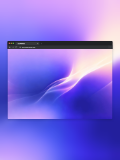
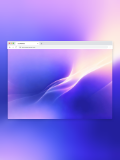
Present the same website screenshot in different browser styles.
Websites, SaaS, and dashboards
Frame website screenshots inside Safari or Chrome without design software, ready for product launches, portfolios, and feature documentation.
The window adapts to the uploaded image ratio and supports custom address-bar URLs, Chrome tab names, and light or dark appearances.
Open mockup editor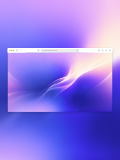
What you can do
Present the same website screenshot in different browser styles.
Add a branded URL and Chrome tab name for a finished presentation.
The browser window adapts to the screenshot ratio to reduce empty space.
Use cases
Workflow
Open the editor and select a Browser mockups template.
Upload a screenshot, wallpaper, or design, then refine the crop, device, background, and text.
Choose a canvas ratio, image format, and export scale, then download the finished mockup.
FAQ
Yes. Browser templates let you enter and apply a custom URL.
Yes. Both Safari and Chrome include light and dark templates.
The browser template adapts its width and height to the uploaded image ratio.