Large-screen preview
Review TV apps, dashboards, and wallpapers for distance viewing.
TV apps, dashboards, and large displays
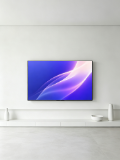
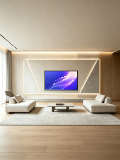
Place TV apps, video covers, dashboards, and large-screen wallpapers inside television frames to review hierarchy and readability at viewing distance.
Use TV lock screens, standard frames, and clean white-background layouts for smart TV apps, living-room displays, and data visualization work.
Open mockup editor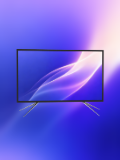
What you can do
Review TV apps, dashboards, and wallpapers for distance viewing.
Switch display frames and compose TV lock-screen content.
Export landscape visuals for proposals, portfolios, and product pages.
Use cases
Workflow
Open the editor and select a TV mockups template.
Upload a screenshot, wallpaper, or design, then refine the crop, device, background, and text.
Choose a canvas ratio, image format, and export scale, then download the finished mockup.
FAQ
Upload TV apps, video screens, dashboards, presentations, or landscape wallpapers.
Yes. TV templates support lock-screen content and frame switching.
Yes. Choose a landscape canvas ratio and adjust the export resolution.